AI tool tutorials and reviews
AI tools, tested on real work.
Step-by-step guides and reviews of AI tools for voice, video and documents. Each test uses a real task, records the settings and numbers, and says what did not work.
Latest articles
 Video
VideoHeyGen vs Synthesia in 2026: What Six YouTube Reviewers Found, Checked Against Today's Prices
I went through six YouTube reviews of HeyGen and Synthesia published in 2026, read their full transcripts and checked their price claims against the official pages: where they agree, where they split, and which numbers are already out of date.
Read article →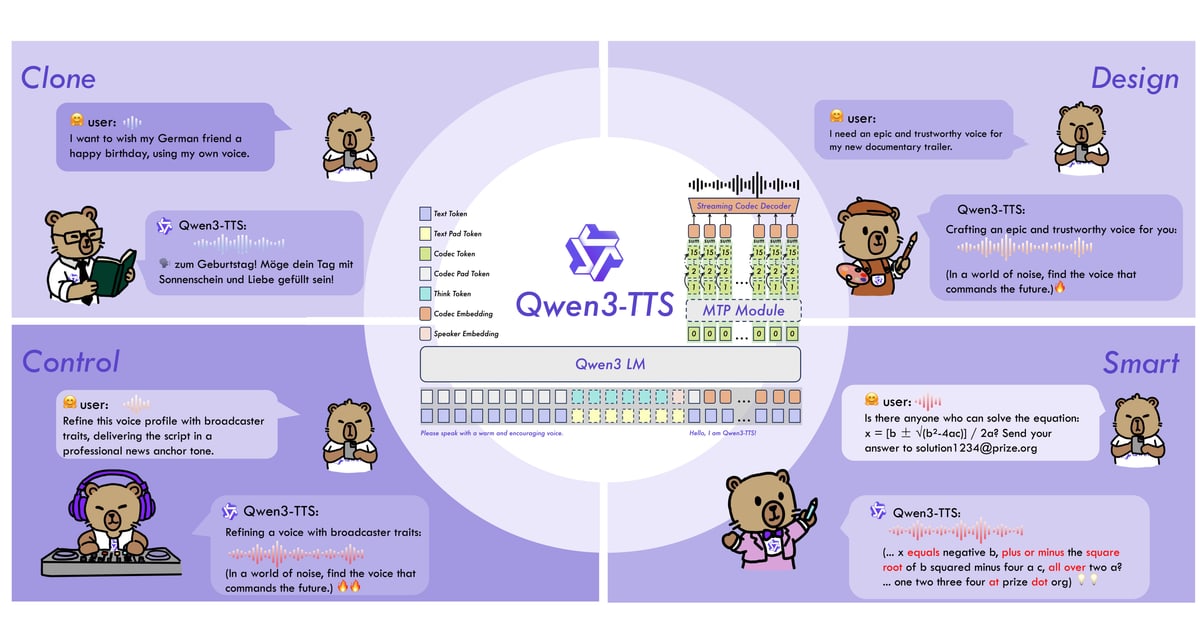 Voice & Audio
How I Clone My Own Voice on a Laptop With No GPU (Qwen3-TTS)
I wanted narration in my own voice without recording every line. This is the setup that worked on a CPU-only Windows laptop, the setting that made my clone sound choppy, and how I pick the best take.
 General
How I Connected Muse to Feishu So It Works When My Computer Is Off
Muse has no built-in Feishu connector, but you can build one. These are the steps I followed: create an app in the Feishu developer console, which permissions to turn on, the callback URL, and a listener on Muse's cloud computer.
 Voice & Audio
ElevenLabs Free Plan vs a Local Open-Source Model: Same Chinese Script, Side by Side
I ran one 184-character Chinese script through ElevenLabs' free plan and through Qwen3-TTS on a laptop with no GPU, then compared misread words, pauses, speed and how natural each version sounded.
Tools in the articles
See all tools →
Good enough for my video narration once I switched to x-vector mode. Free, but slow on a CPU and it needs a Python setup.

This site and the scripts in the voice-cloning test were built with it. You describe the job in plain language, check the result and ask for changes.

Gave the most natural Chinese narration in my side-by-side test, in seconds. The free plan is enough to try it, but it has no commercial license and no voice cloning.

The reviewers who make short social videos preferred it for realistic avatars and creative options. Their common warning is the credit system, so work out how many minutes your plan covers before you pay.

The reviewers who make training and company videos preferred it for polished presenters, team features and a cheaper entry plan. A creator reviewer found voice tuning slower than in HeyGen.
How the tests work
Real tasks
Each tool is tested on an actual job, like a voiceover, a short video or a document.
Recorded numbers
Settings, timings and hardware are written down for every test, so you can compare with your own setup.
Honest results
When something fails or isn't worth the money, the article says so.